This guide shows you how to use Rankbee to analyze your brand’s performance in Generative AI search engines like ChatGPT and Gemini. By following these steps, you can quickly identify the attributes where your brand is perceived as weak, providing a clear starting point for content optimization. You will need your brand's name and official website URL to begin.
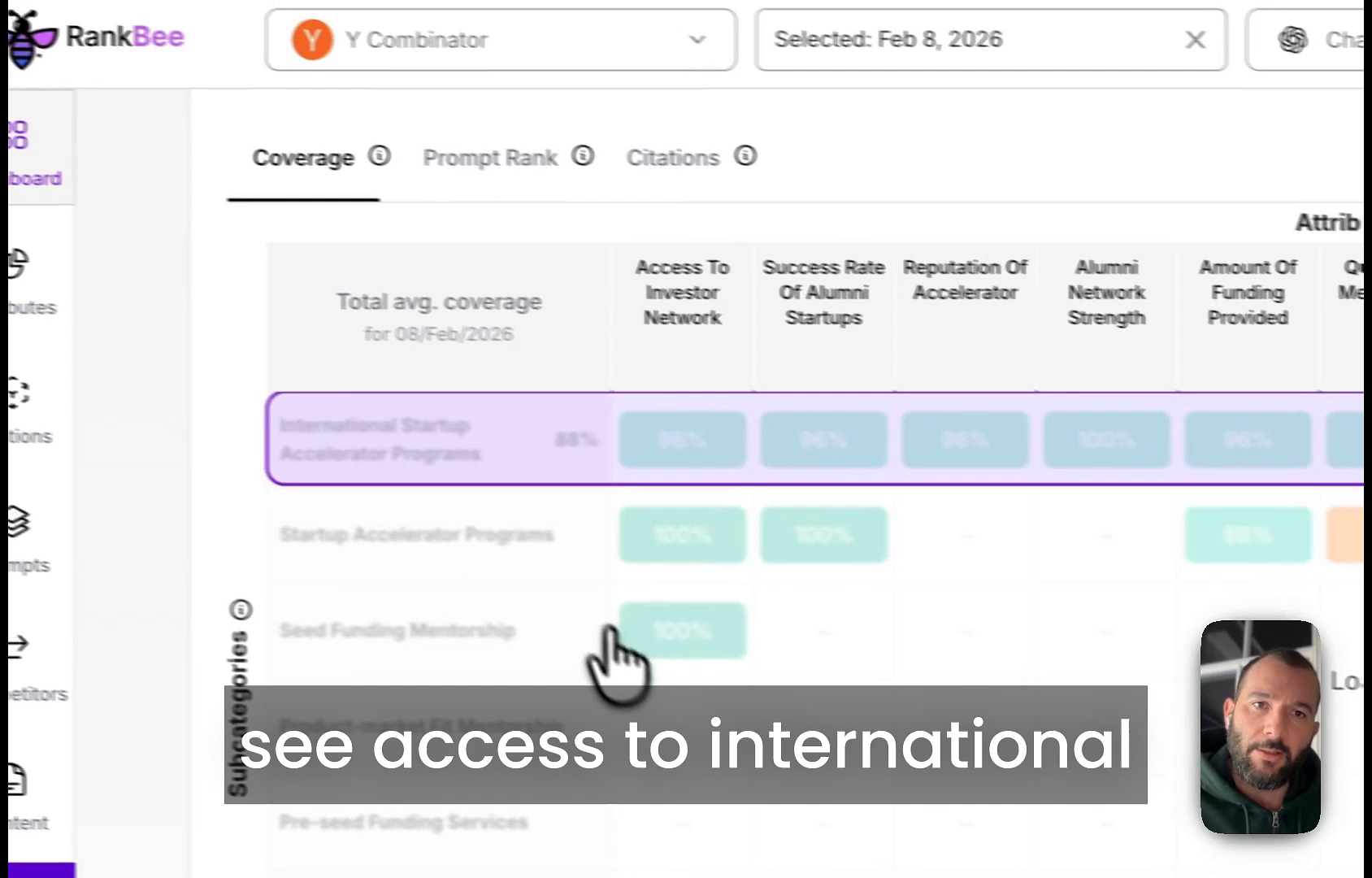
- On the dashboard, navigate to the Attributes tab on the left sidebar or scroll down to the attributes summary table.
- RankBee identifies Attributes according to how LLM's think about the chosen market-segment. Meaning the attributes are the way AI thinks about this product or service.
- Review the percentage scores under each attribute. The attributes with the lowest scores are your brand's weakest points in AI search.
Tips
Start optimizing first, attribues with the lowest scores that have at least 1 citation. Pages with citations are already used by AI to answer questions, so you'll see the quickest results there.
Summary
This article explains how you can access a detailed dashboard that highlights your brand's perceived strengths and weaknesses by Attribute, enabling you to focus your content strategy on the areas that need the most improvement.