This guide shows you how to onboard a new brand to the Rankbee platform. Following these steps will initiate a comprehensive analysis of your brand's performance in AI search, providing you with actionable insights and content recommendations. You will need your brand's name, website URL, and primary region.
- Navigate to the onboarding page at rankbee.ai/onboard.
- In the Provide Your Details form, enter your company's name in the Brand Name field. The system may auto-populate the Website field.
- Select your brand's primary market country from the Primary Region dropdown and the corresponding language from the Language dropdown. Click Next.
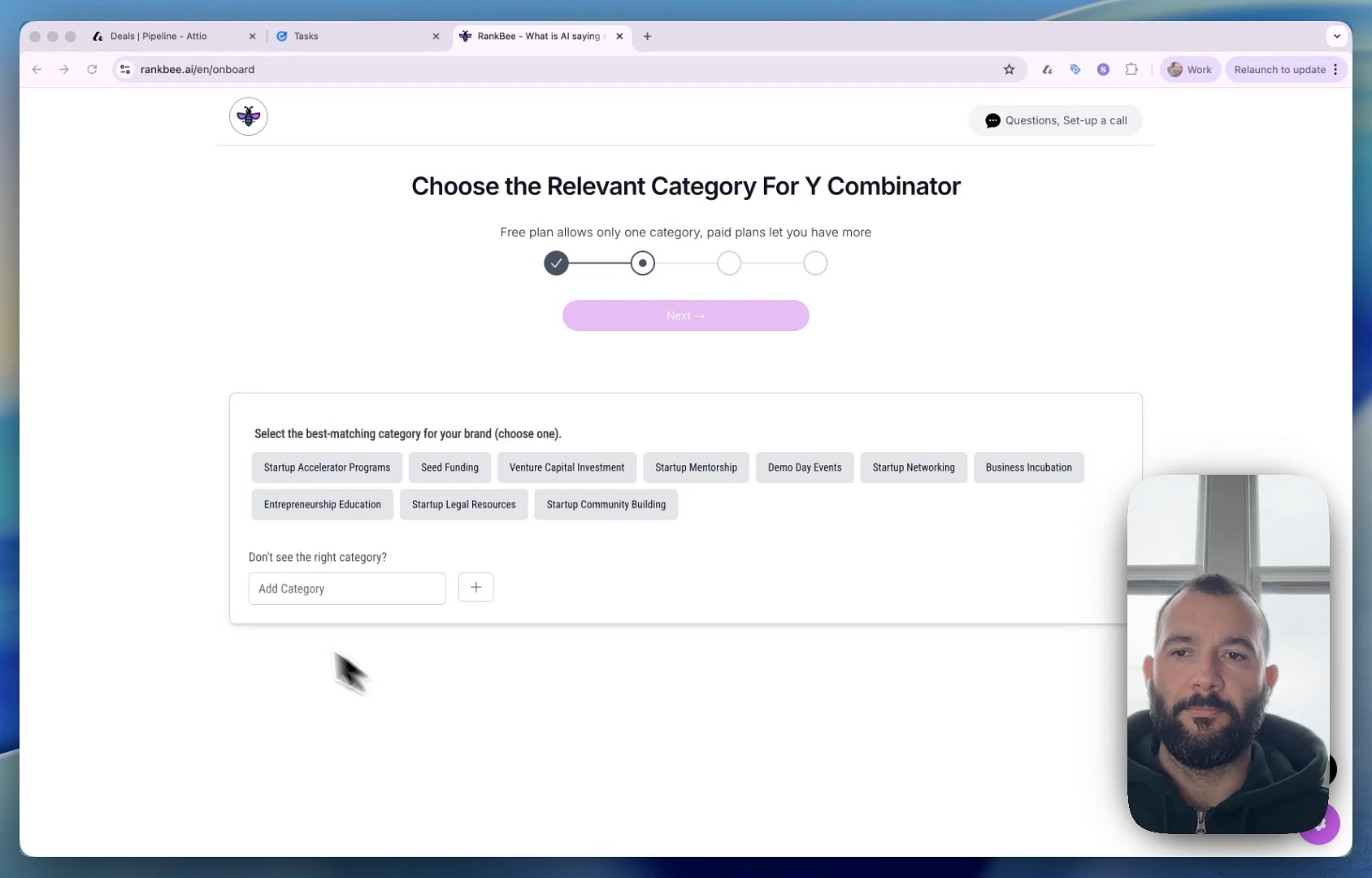
- On the next screen, select the best-matching category for your brand from the options provided. You can select multiple categories if your plan allows. You can also add and remove categories from withing the application. Click Next to confirm selection.
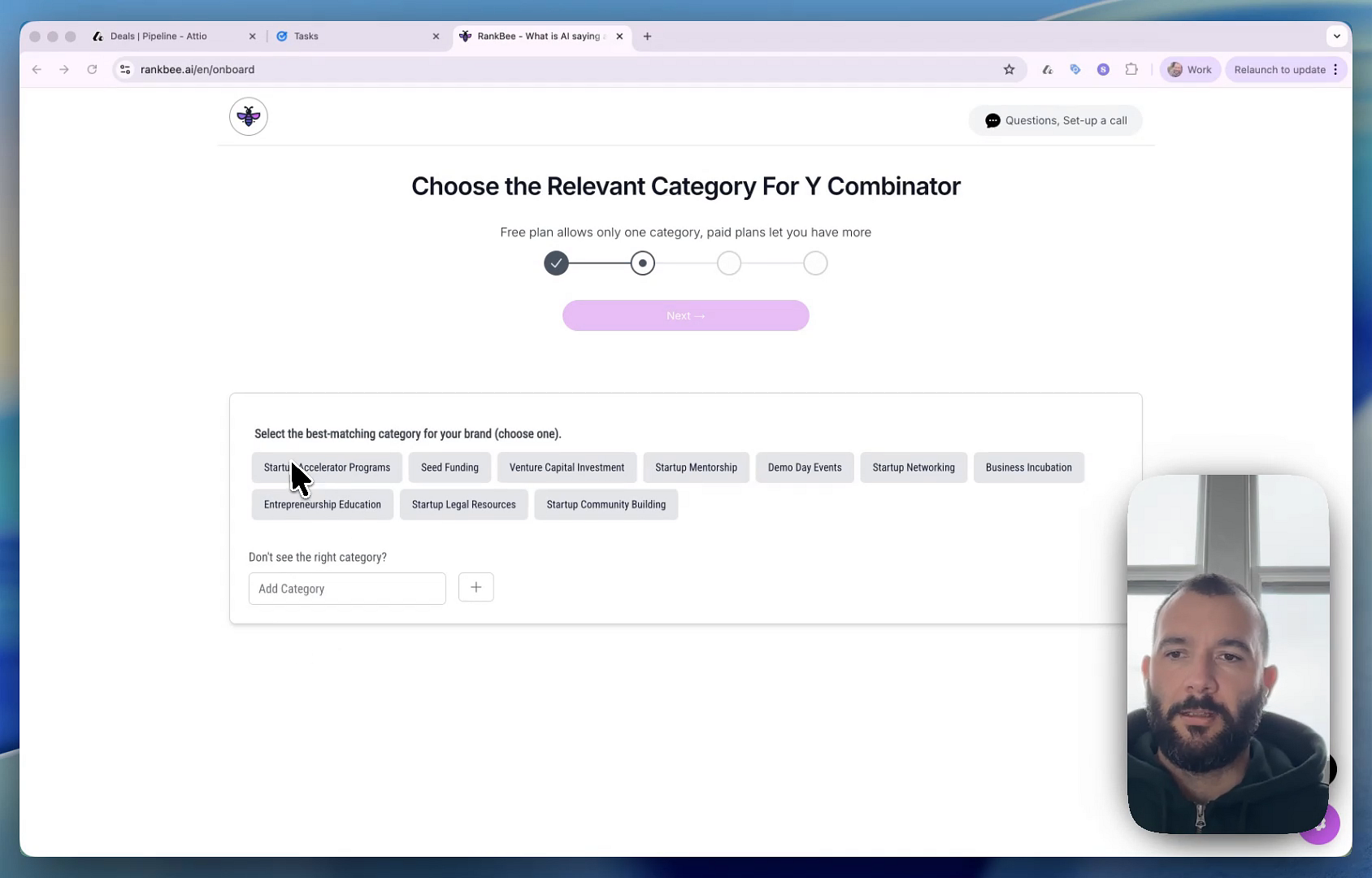
- Wait for a few minutes as the system generates, crawls, and analyzes thousands of AI prompts related to your brand.
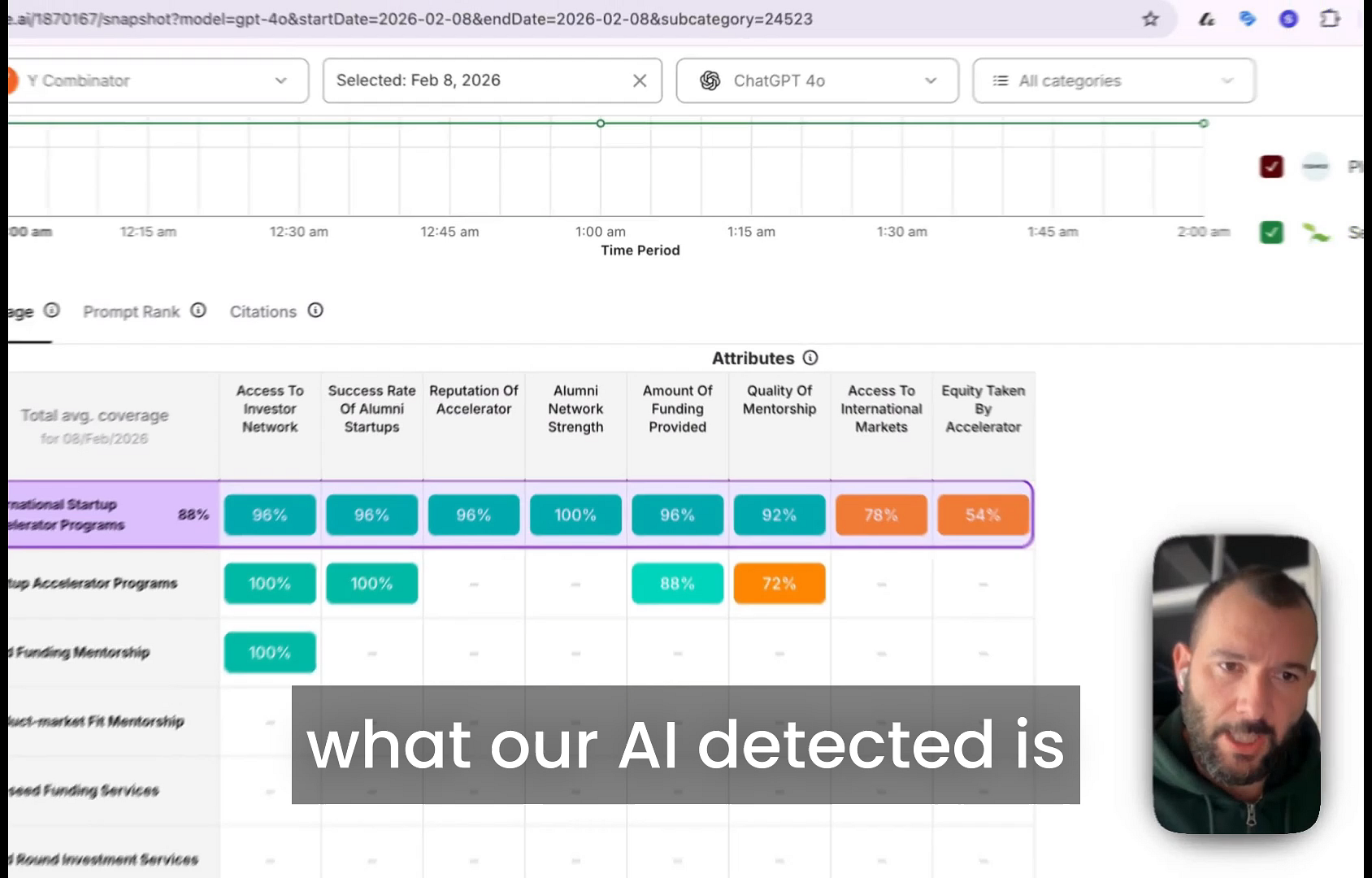
- Once the analysis is complete, click the Access Dashboard button to view your brand's performance report.
Summary
This article explains how to add and set up a new brand for analysis in Rankbee. This initial onboarding process is the first step toward understanding how your brand is perceived by generative AI search engines, identifying content gaps, and receiving data-driven recommendations to improve your online visibility.